Build a CV that actually makes it to a recruiter's desk
Most CVs never reach a human. They're filtered out by Applicant Tracking Systems before a recruiter ever reads them — and you get no feedback, no explanation, just silence. CVCircuit builds an ATS-optimised CV in under 2 minutes that passes automated screening, impresses recruiters in 7 seconds, and sounds like a real expert wrote it.
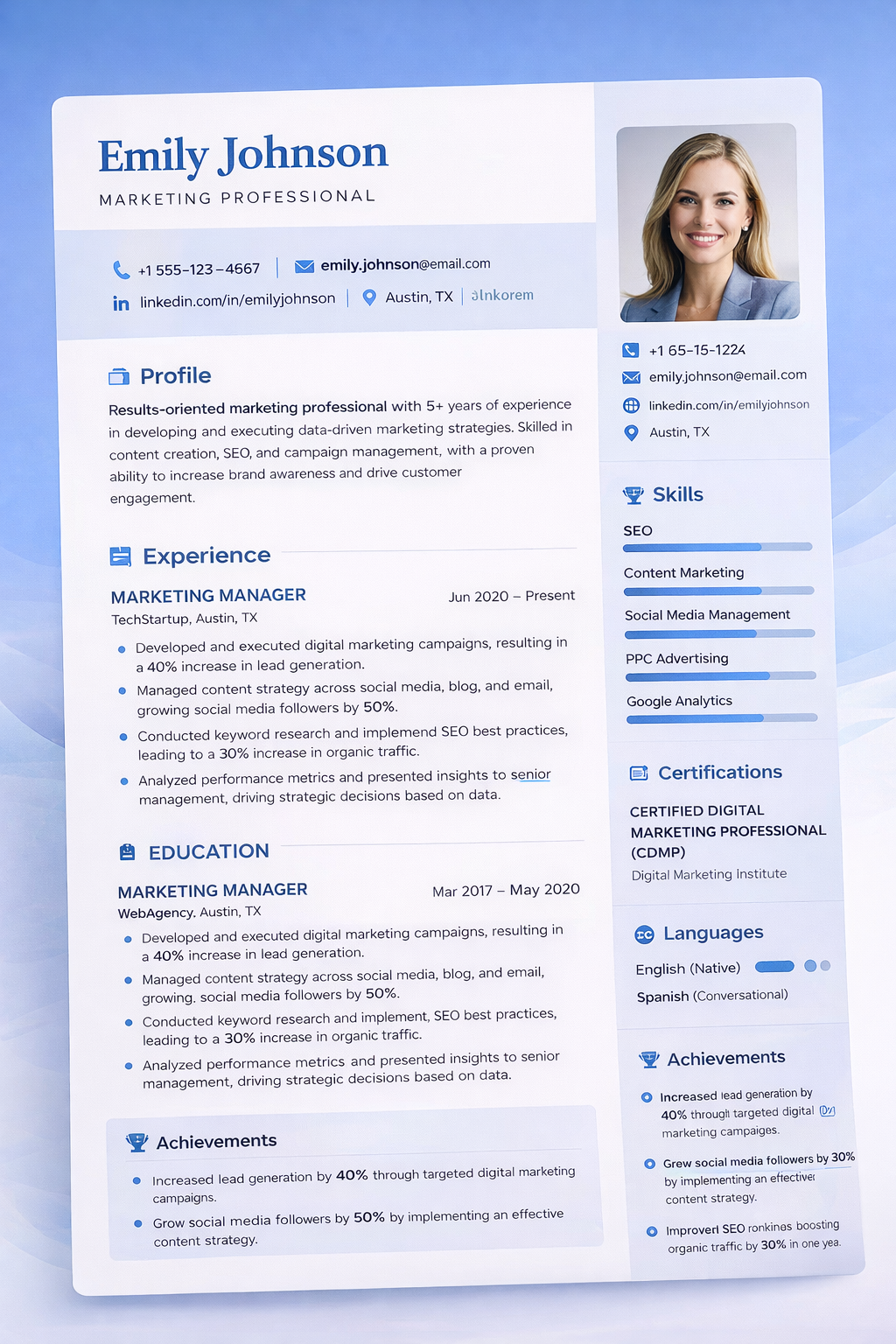
The hard truth: recruiters aren't reading your CV
Software is filtering it before they get the chance. And if you're early in your career or switching industries, the odds are already stacked against you. No one is going to advocate for your application. You have to make your CV impossible to overlook — starting with the ATS filter.
of CVs auto-rejected by ATS before a human ever reviews the application
average applications sent before landing a role in the current job market
is all a recruiter spends deciding whether to progress your application or pass
What is an Applicant Tracking System?
Before a recruiter ever sees your CV, it's scanned by software. Applicant Tracking Systems (ATS) are used by the majority of mid-to-large employers to automatically filter applications based on keyword matches, formatting, and structure. If you fail this first stage, no one will ever read what you've written.
Automated screening at scale
Employers receive hundreds of applications per role. ATS software scores and ranks each one before a human opens it. You need to be in the top tier just to get a read.
Keyword-based ranking
The system compares your CV against the job description and assigns a relevance score. Missing keywords means a lower score — and typically means no call, no matter how qualified you are.
Format sensitivity
Tables, graphics, unusual fonts, and non-standard section names cause parsing errors that discard your CV entirely. Design that looks impressive to humans breaks the software.
Why most CVs never reach a recruiter
Strong candidates get automatically rejected every day. Here's what causes most ATS failures — and what CVCircuit eliminates.
Missing keywords
If your CV doesn't use the exact words from the job description — skills, tools, job titles — ATS ranks you lower. Generic CVs almost always fail this test.
Bad formatting
Tables, columns, headers/footers, and decorative designs look great to humans but break ATS parsers — making your CV unreadable to the system and invisible to recruiters.
One generic CV for everything
Sending the same CV to every application means your keyword match is low for most roles. Tailoring to each job description is what separates the shortlisted from the silent rejections.
How CVCircuit builds your ATS-friendly CV
CVCircuit is built specifically to solve the ATS problem. Clean format, optimised keywords, human-quality output — in under 2 minutes.
Build your base CV in under 2 minutes
Enter your experience, education, and skills once. CVCircuit formats it into a clean, ATS-parseable structure that passes screening every time.
Paste a job description
CVCircuit extracts the keywords, skills, and requirements ATS systems will scan for in that specific role — and incorporates them into a tailored version in seconds.
Apply with confidence and volume
Your tailored CV passes ATS, impresses recruiters, and sounds like a real expert wrote it. Use our browser extension to apply from any job board and track everything automatically.
Apply to more jobs without losing quality
Landing a role requires volume. The average person sends 200+ applications. Our browser extension lets you tailor your ATS-optimised CV to any job listing in one click — directly from Indeed, LinkedIn, Glassdoor and more. Apply faster, maintain quality, land interviews sooner. Track every application automatically through our job tracker.
Install free — get 3 CV downloads and tailors included.
Already have a CV? Check your ATS score first.
Get a free instant ATS compatibility score — no account needed. See exactly what's stopping you from reaching recruiters.
ATS Resume Builder — FAQ
What makes a CV ATS-friendly?
ATS-friendly CVs use clean formatting, standard section headings, and keyword-matched language from the job description. CVCircuit handles all of this automatically in under 2 minutes.
Will my CV sound like AI wrote it?
No. CVCircuit builds every CV from your real experience and voice. The output is indistinguishable from a hand-crafted CV — human-sounding, contextually accurate, and recruiter-ready.
Can I tailor it for multiple applications?
Yes — paste a new job description each time to get a fresh ATS-optimised, keyword-matched version in seconds. With the browser extension, tailor directly from any job board in one click.
What else does CVCircuit include?
CVCircuit is a complete job search co-pilot — ATS checker, keyword optimisation, CV tailoring, cover letter writer, LinkedIn rewrite, interview prep, job tracker, and browser extension.
Your complete job search co-pilot
Every tool you need to get past screening and land the role.
Tailor CV to Any Role
Build your CV once, then tailor it to any job description in seconds — keyword-matched and ready to submit.
Keyword Optimisation
Extract the exact keywords from any job description and make sure your CV includes them for a higher ATS score.
ATS Resume Checker
Already have a CV? Check your ATS score and find out exactly what's blocking you from reaching recruiters.